Email Will Not Take Your Big Files
Send large files by email or link. Start free with no registration, and move up only when you need more room.
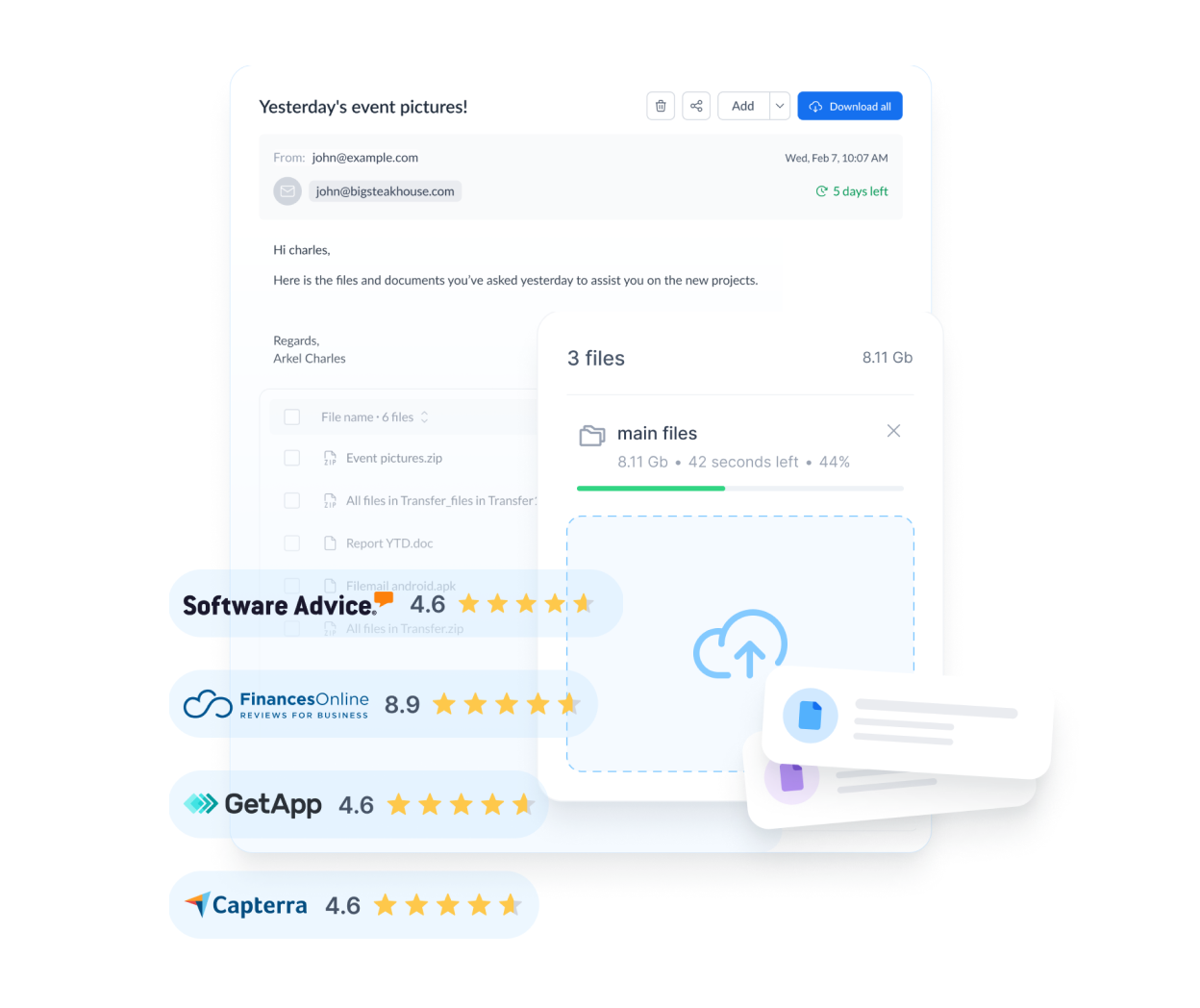
Plans at a glance
Figures as stated by the vendor, checked October 2026.
Specific prices are not shown because they change; check the official pricing page. Limits are as the vendor states them.


Images from the official Filemail website.
The problem
Email attachments hit size limits quickly. Design, video and project files often end up split into parts or shared through tools the client does not use.
What the vendor offers
Filemail lets you send files by email or a shareable link. A free tier without registration is stated, with higher limits on paid plans.
Three things it lists
Send by email or link
You can have the recipient notified by email or simply copy a secure link to share through chat or another channel.
Tracking and preview
The service lists file tracking and previews so you can see when something has been downloaded.
File requests
You can request files from other people, which is handy when collecting material from clients.
How to try it
- Try a free transfer with a non-sensitive test file.
- Check the preview and tracking features.
- Test the Outlook plugin or app you will actually use.
- Compare the Pro or Business plan if you regularly exceed 5 GB.
- Set a password for confidential files.
Honest limits
Who it suits
A good fit if you are
- Freelancers and agencies sending large creative files to clients
- Businesses in media, legal or finance that need a documented way to share big files
- Anyone who wants a no-registration option for an occasional large transfer
Look elsewhere if you
- People who need permanent cloud storage and collaboration rather than transfers
- Organizations that require specific compliance certifications without verifying them first
- Users who need unlimited sizes on a low-cost personal plan
Try Filemail transfer
Confirm price, limits and availability on the official site before you commit.
Try Filemail transferAffiliate link · opens the official website in a new tab