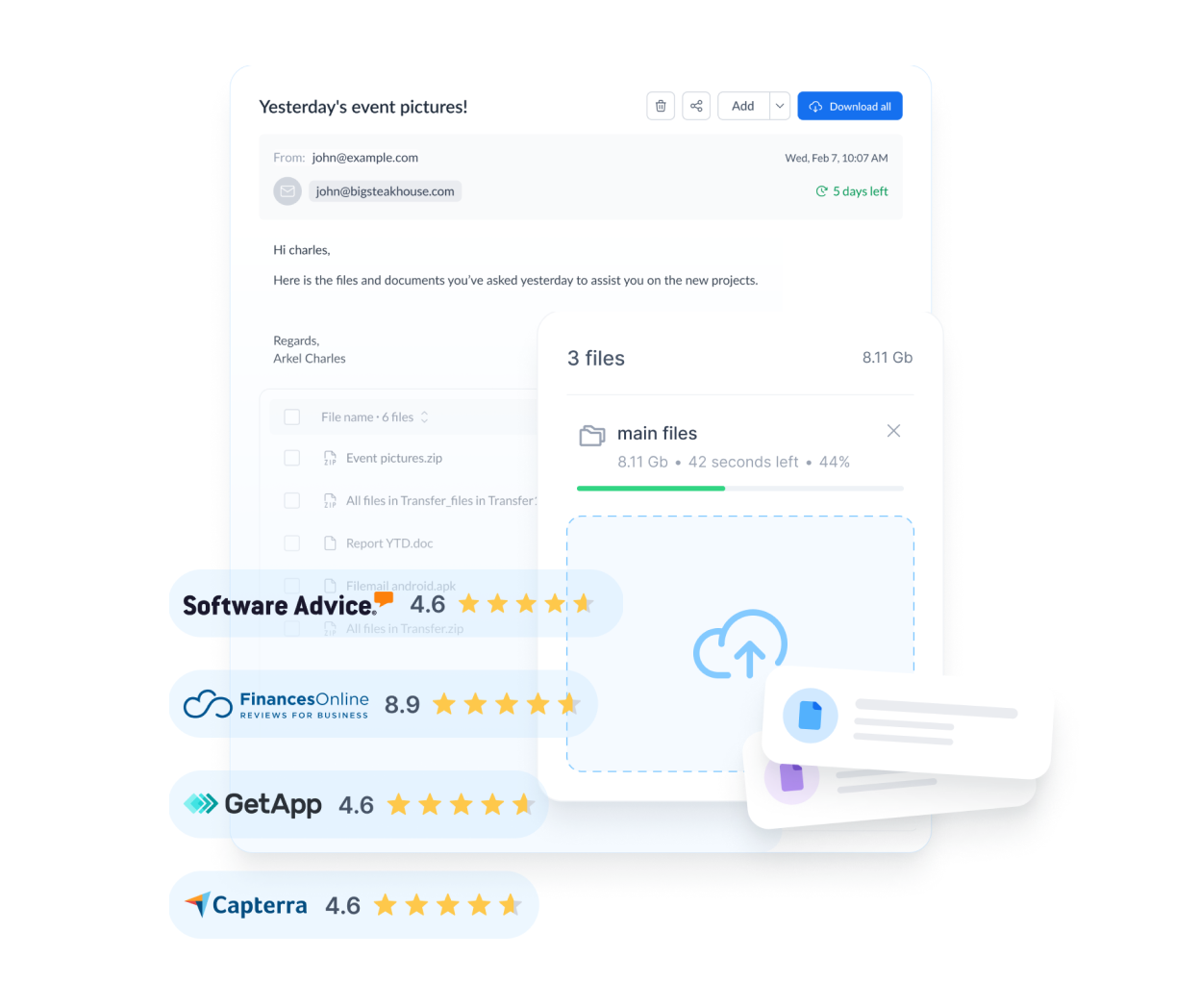
Email attachments are typically limited to a few tens of megabytes. For bigger files, use a transfer service or cloud link.
File transfer services
These let you upload a file and share a download link. Check the maximum file size, how long links stay active and whether files are encrypted.
Cloud storage links
Sharing a link from a cloud drive works well for ongoing collaboration. Set the correct permissions.
Compression
Zipping files can reduce size, though already-compressed media may not shrink much.
Privacy
For sensitive files, use password protection or expiry dates where available.
Confirm receipt
Ask the recipient to confirm they have the full file.
Quick checklist
- What is the size limit?
- How long does the link last?
- Is the file protected?
Please note: this guide is general information, not professional, legal, medical or financial advice. Check details on official websites, as products and prices change.