Filemail: A cloud file transfer service for sending large files by email or a shareable link.
Email attachments usually fail once files get large. Filemail is a cloud service for sending large files either through an email notification or a link you share yourself. It is aimed at individuals, freelancers and businesses that regularly move big media, design or document files.
Visit FilemailAffiliate link · opens the official website in a new tab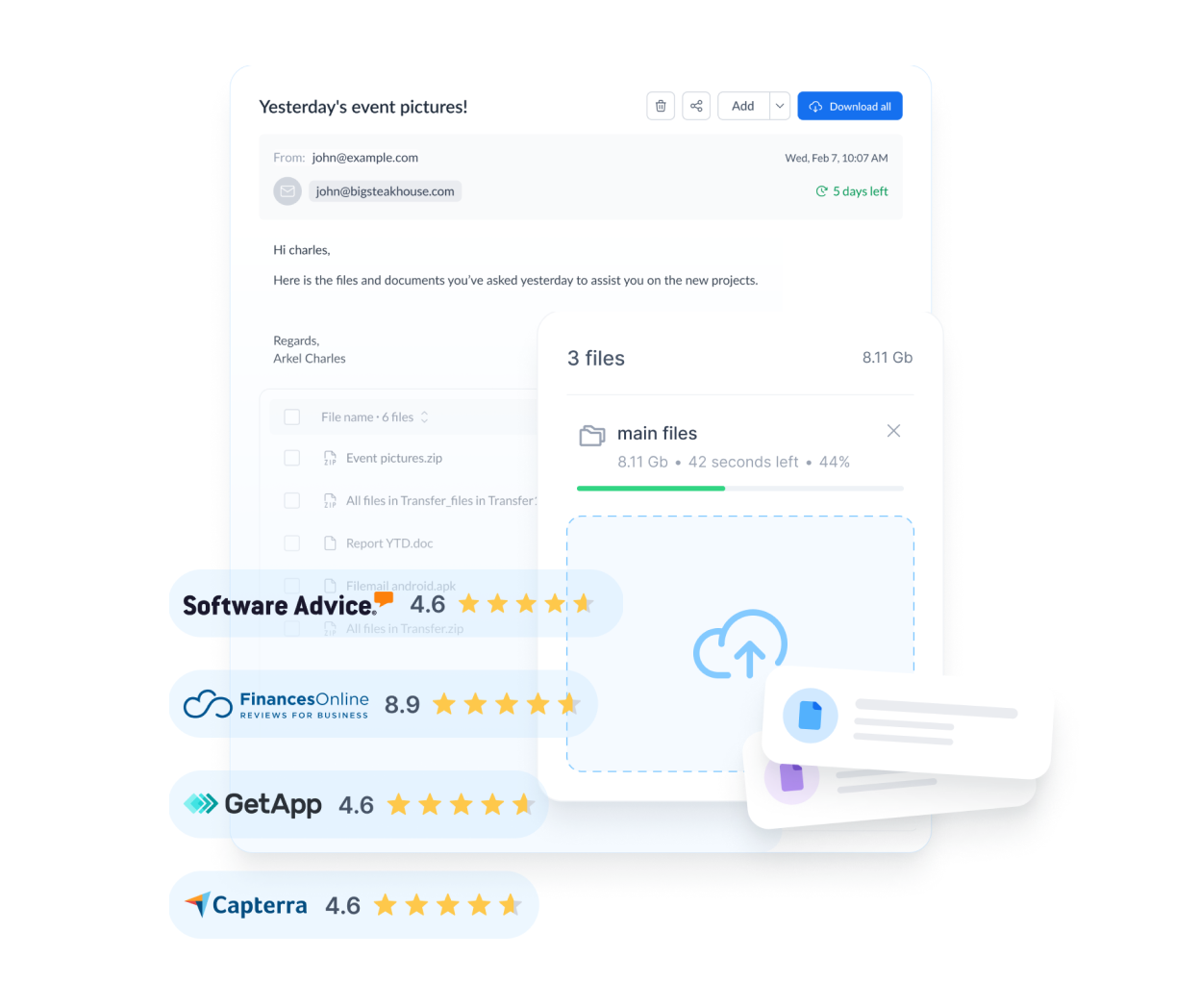
Why people consider Filemail
Send by email or link
You can have the recipient notified by email or simply copy a secure link to share through chat or another channel.
Tracking and preview
The service lists file tracking and previews so you can see when something has been downloaded.
File requests
You can request files from other people, which is handy when collecting material from clients.
Custom branding
Custom subdomains and branding options help agencies present transfers under their own name.
Apps and plugins
Native apps for desktop and mobile are available, along with an Outlook plugin and a website upload form.
Password protection
Password protection is available, and the vendor states that antivirus scanning is updated weekly.
At a glance
Is it right for you?
A good fit if you are
- Freelancers and agencies sending large creative files to clients
- Businesses in media, legal or finance that need a documented way to share big files
- Anyone who wants a no-registration option for an occasional large transfer
Look elsewhere if
- People who need permanent cloud storage and collaboration rather than transfers
- Organizations that require specific compliance certifications without verifying them first
- Users who need unlimited sizes on a low-cost personal plan
Pricing
Filemail states that its free tier supports transfers up to 5 GB with no registration. The Personal plan keeps a 5 GB transfer limit with 250 GB of storage, the Pro plan allows 250 GB per transfer with 1 TB of storage, and Business or Enterprise plans are described as having no stated file size limit. Specific prices are not repeated here because they change; check the official pricing page.
How to get started
- Try a free transfer with a non-sensitive test file.
- Check the preview and tracking features.
- Test the Outlook plugin or app you will actually use.
- Compare the Pro or Business plan if you regularly exceed 5 GB.
- Set a password for confidential files.
Common questions
Do I need an account to send files?
The free tier is described as not requiring registration. Paid features need an account.
What is the maximum file size?
It depends on your plan, from 5 GB on the free tier to 250 GB per transfer on Pro and larger on Business or Enterprise.
Is it secure?
The vendor lists TLS 1.2 (AES-256) encryption, password protection and end-to-end encryption on paid plans. Verify these against your own requirements.
Can recipients download without an account?
Transfers are shared by email or link. Check the receiving experience in a test before sending important files.
See current plans for Filemail
Always confirm price, terms and availability on the official website.
Visit FilemailAffiliate link · opens the official website in a new tab