Quick summary
- Best for: Designers, UX/UI teams, product teams and agencies
- Main strength: Very large library in several styles
- Keep in mind: Free packs require attribution
Overview
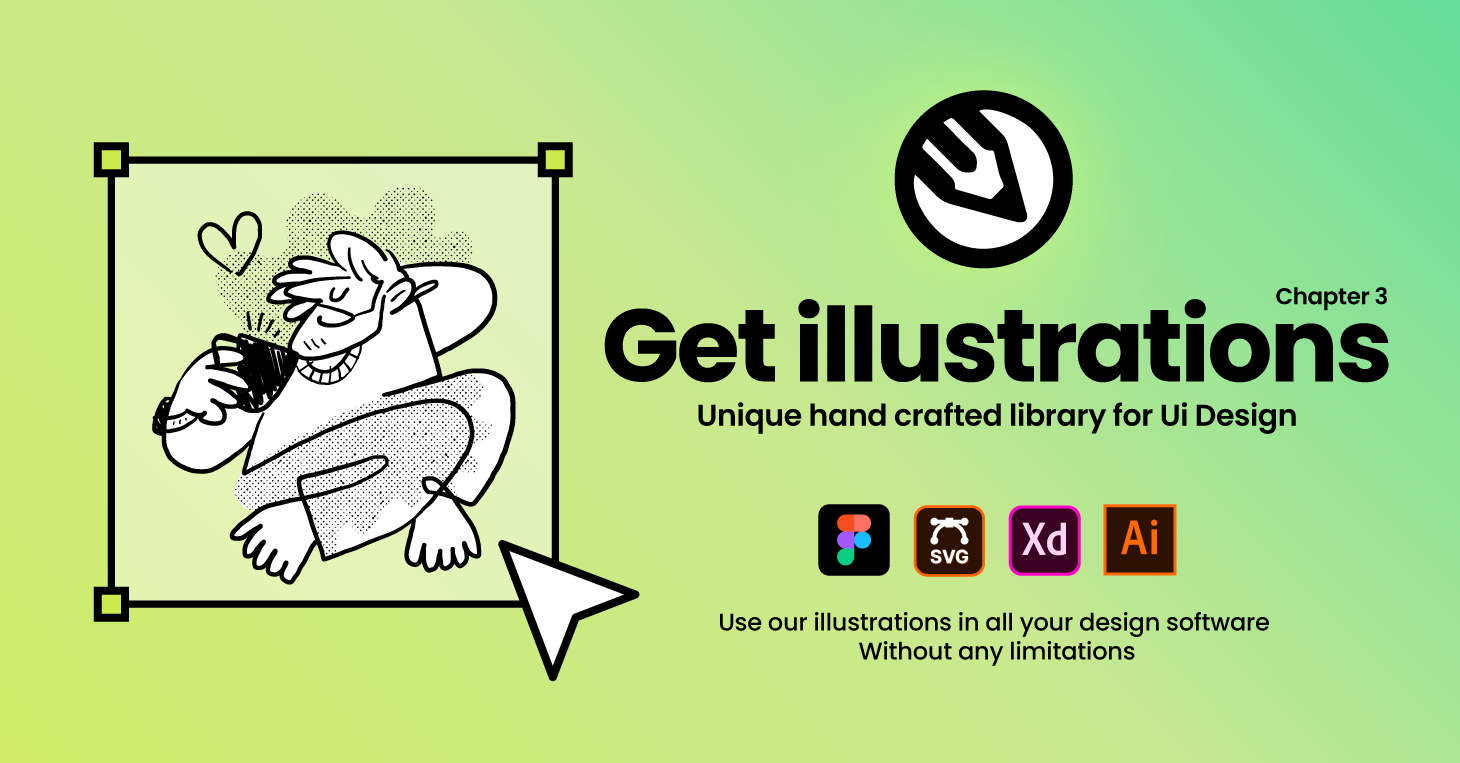
Good illustrations can lift a website, app or presentation, but commissioning custom art for every project is expensive. GetIllustrations is a library of hand-drawn vector assets from professional designers, including illustrations, icons and 3D designs organized into packs.
This review is based on the vendor's public information. We have not downloaded and used the assets in a production project, so we cannot judge visual quality for your brand; browse the free packs yourself. Always read the license terms before using any asset commercially.
GetIllustrations at a glance
Key features
Large asset library
The vendor lists about 40,000 illustrations and 129,000 icons, plus 3D designs, across more than 450 packs and collections.
Editable formats
Assets come as SVG, PNG and editable .ai files so you can adapt colors and shapes.
Commercial license
Premium downloads include a commercial license with no attribution required, covering client work, products for sale and marketing materials according to the vendor.
Free packs
More than 40 free packs let you test the style, with a link attribution requirement.
Free SVG color editor
A free online editor lets you recolor SVG files to fit your brand.
Figma plugin and API
A Figma plugin and API access fit into design workflows.
Regular new releases
New packs are released weekly according to the vendor.
Who it suits and who may look elsewhere
A good fit if you are
- Designers who need consistent illustration styles quickly
- Product teams building landing pages and apps
- Agencies that want licensed assets for client work
You may prefer another option if
- Brands that require fully bespoke artwork
- Anyone who does not want to review license terms
- Users who only need a single image once
Pricing and plans
GetIllustrations lists free packs, an All-Access subscription from $195 per year, pay-once bundles and custom design services from $190. Prices shown were current when we checked. Read the license for the plan you choose, because terms for free and premium assets differ.
Pros and cons
Pros
- Very large library in several styles
- Editable vector formats
- Free packs to test the quality
- Commercial license on premium downloads
- Figma plugin
Cons
- Free packs require attribution
- Style fit depends on your brand
- Subscription cost may be high for occasional use
- You must check license limits for your exact use
How to get started
- Download a free pack to test the style.
- Open the SVGs in your design tool and recolor them.
- Read the license terms for your intended use.
- Compare All-Access with a one-time bundle.
- Keep a record of the plan and license for your projects.
Questions to ask before you buy
- Does the illustration style match my brand?
- Which license covers my exact use?
- How often will I download assets?
- Do I need editable source files?
- Is a bundle cheaper than a subscription for me?
Frequently asked questions
Can I use the assets commercially?
Premium downloads include a commercial license according to the vendor. Free packs require attribution. Read the license for your use.
Which formats are available?
SVG, PNG and Adobe Illustrator (.ai).
Is there a free option?
Yes, 40 or more free packs are listed.
Is there a Figma plugin?
Yes, according to the vendor.
Ready to look at GetIllustrations?
Check current plans, terms and features on the official website before you decide.
Browse GetIllustrationsAffiliate link · opens the official website in a new tab