Setmore Free Plan vs Pro: What You Get
Online appointment scheduling with a booking page, reminders and payments for service businesses.
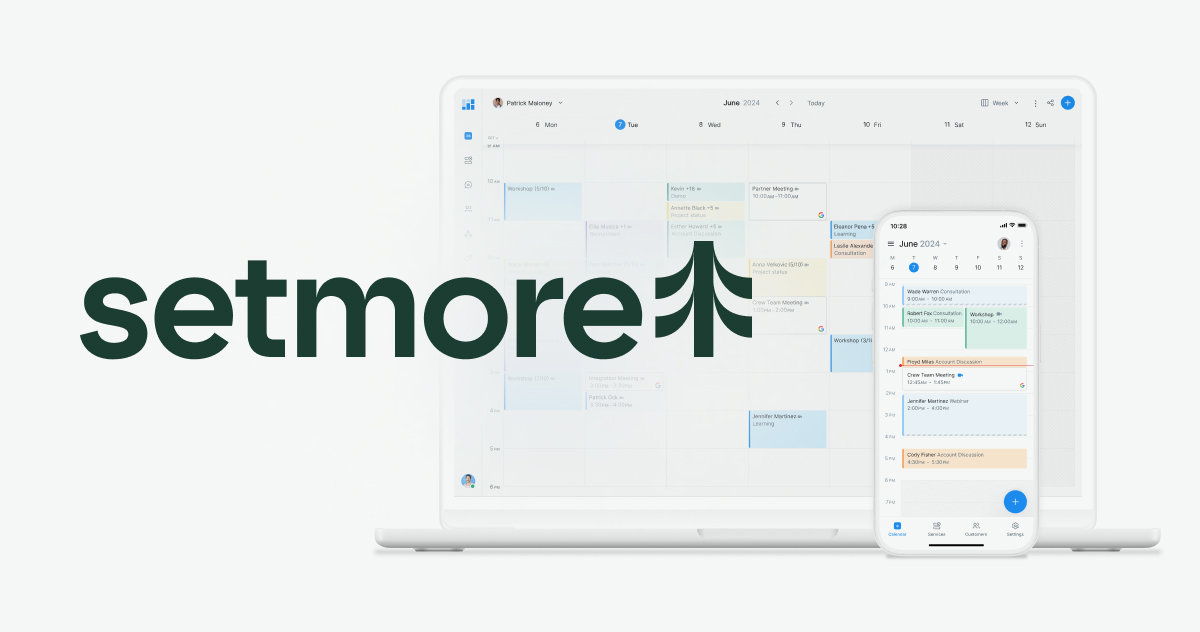
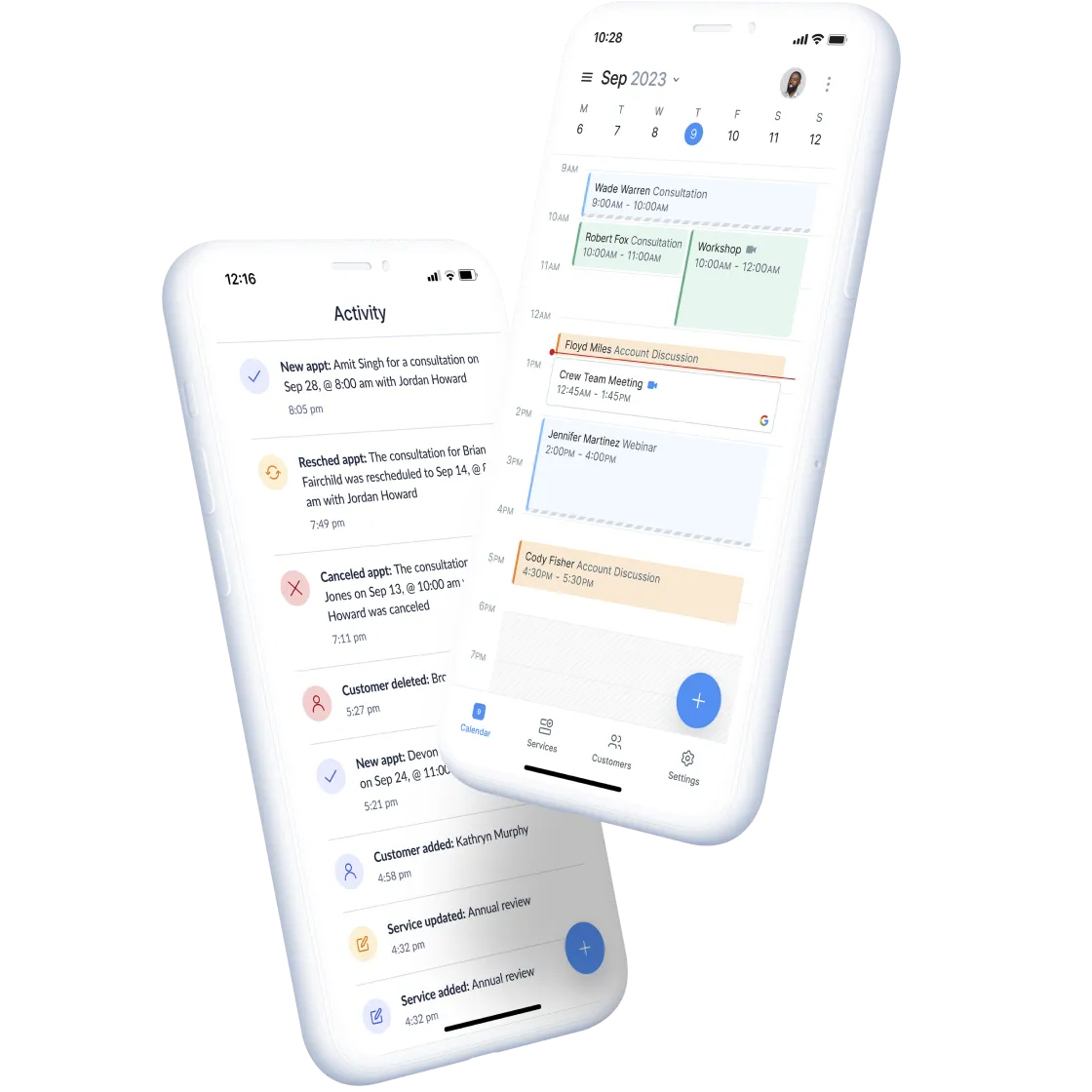
Images from the official Setmore website.
At a glance
Pricing and plans, as stated
Setmore lists a Free plan for up to four users at $0 per month and a Pro plan with unlimited users at $5 per user per month on annual billing. Some features, including SMS reminders, a branded mobile app and advanced customization, are described as Pro only. Prices shown were current when we checked and may change.
What is included
Branded booking page
Customers see your availability in real time and can book without calling. You can add the page to your site or social profiles.
Automated reminders
Email and SMS reminders and confirmations reduce no-shows. SMS reminders are listed as a Pro feature.
Online payments
Connect Stripe, Square or PayPal to take payment when someone books.
Calendar sync
Two-way sync with Google Calendar and Office 365 helps prevent double booking.
Video meetings
Zoom and Google Meet integration suits consultants and coaches who meet online.
QR code booking
A QR code can send customers straight to your booking page from print materials.
Strengths
- Genuinely useful free plan for up to four users
- Popular payment and calendar integrations
- Booking page and QR code options
- Mobile apps for staff
Limits to check before you decide
- Free plan limited to four users
- Key features such as SMS reminders require Pro
- It is a general scheduler, not an industry-specific management system
- Payment processing fees are set by the payment provider you connect
Who it suits
A good fit if you are
- Solo practitioners who want to stop managing bookings by message
- Small teams of up to four people who want to start on a free plan
- Consultants and coaches who meet clients by video
Look elsewhere if you
- Larger teams that need more than four users without paying
- Businesses that need a deep, specialized industry system such as full clinical records
- Anyone who needs advanced customization on the free plan
Common questions
Is Setmore really free?
The vendor offers a free plan for up to four users. Some features are only available on Pro.
Can customers pay when they book?
Yes, through connected providers such as Stripe, Square or PayPal. Their fees apply.
Does it sync with Google Calendar?
The vendor lists two-way calendar sync with Google Calendar and Office 365.
Is there a mobile app?
Yes, apps for iOS and Android are listed.
Check current details on the official site
Confirm price, limits and availability before you commit.
Learn more about SetmoreAffiliate link · opens the official website in a new tab